
User guide
Calendar & important dates
Holidays for your country, Chinese lunar dates, countdowns to the days that matter and match schedules.
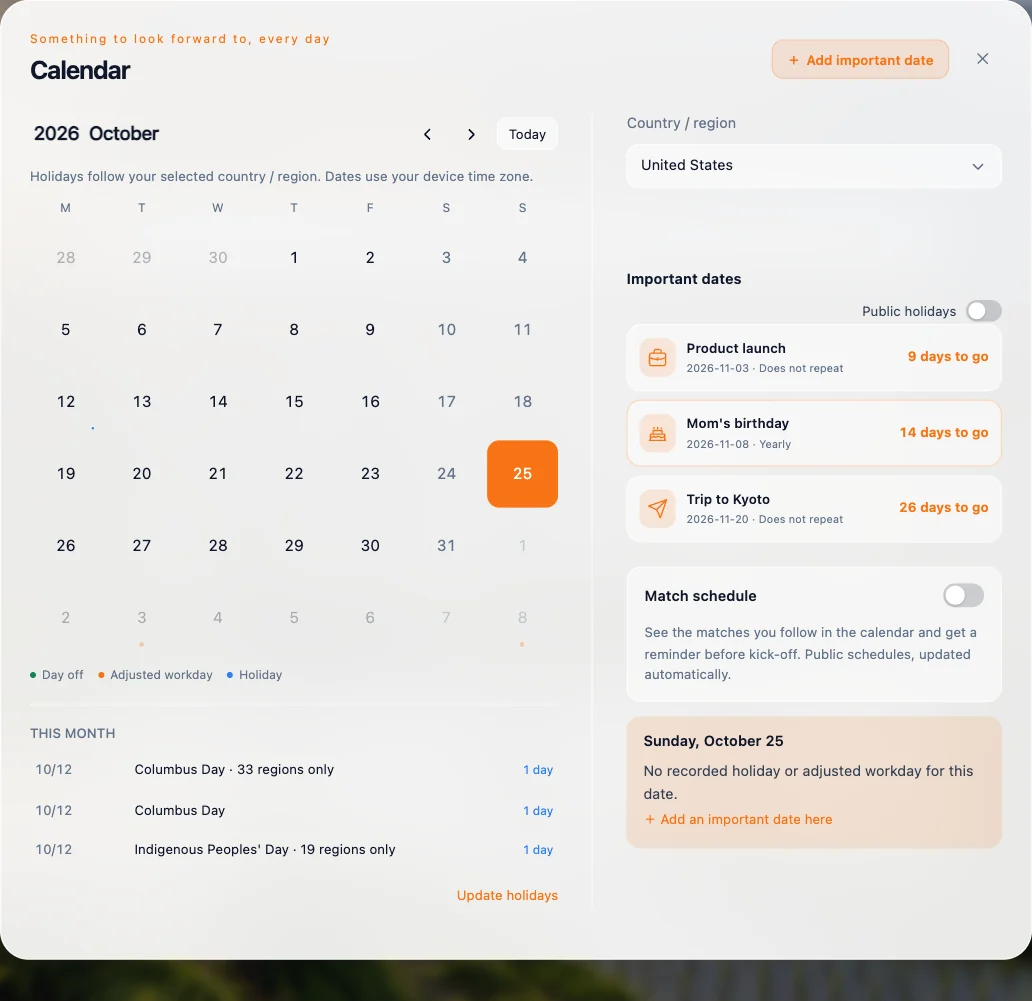
Click the date under the clock on the dashboard to open the calendar.
Holidays and lunar dates
Choose your country or region to see its public holidays, including weekend make-up workdays where they apply. When Mainland China is selected, Chinese lunar dates and solar terms are shown too.
Important dates
Keep birthdays, trips, exams, deadlines and other milestones here, with a countdown to each.
- Choose Add important date.
- Give it a name, a category and a date (today or later).
- Set how it repeats: daily, weekly, monthly, yearly, weekdays (Mon–Fri), weekends, Yearly · Chinese lunar, or a custom interval.
Turn on Show on home to pin a date; pinned dates rotate on the dashboard as a small carousel.
Match schedule
In Match schedule, turn on Show matches and follow football and basketball leagues — or just your teams — to see fixtures and scores on the calendar.