User guide
Layouts & resizing
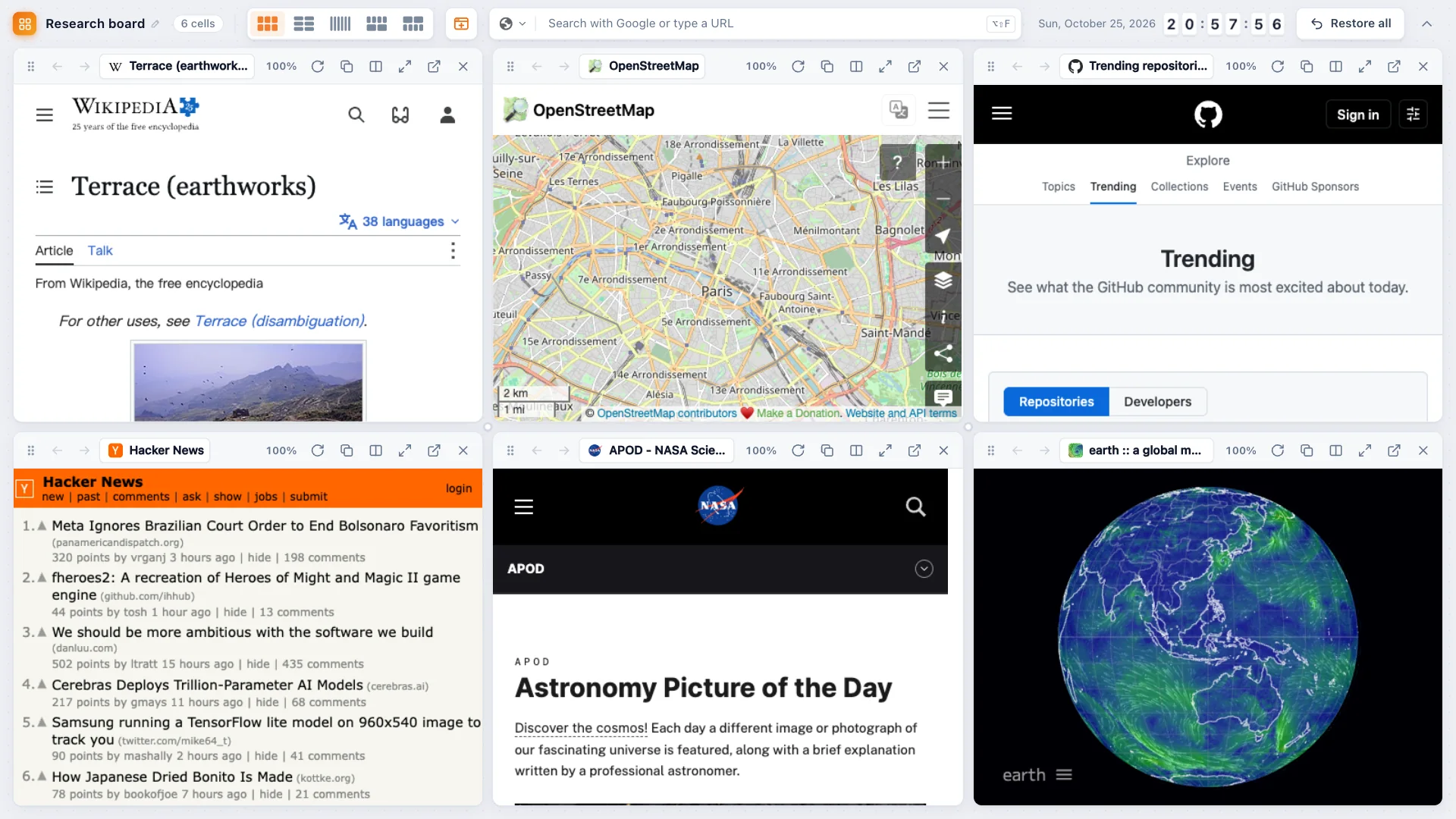
More than 30 layouts, draggable dividers and drag-to-swap cells — without reloading pages.
Pick a layout
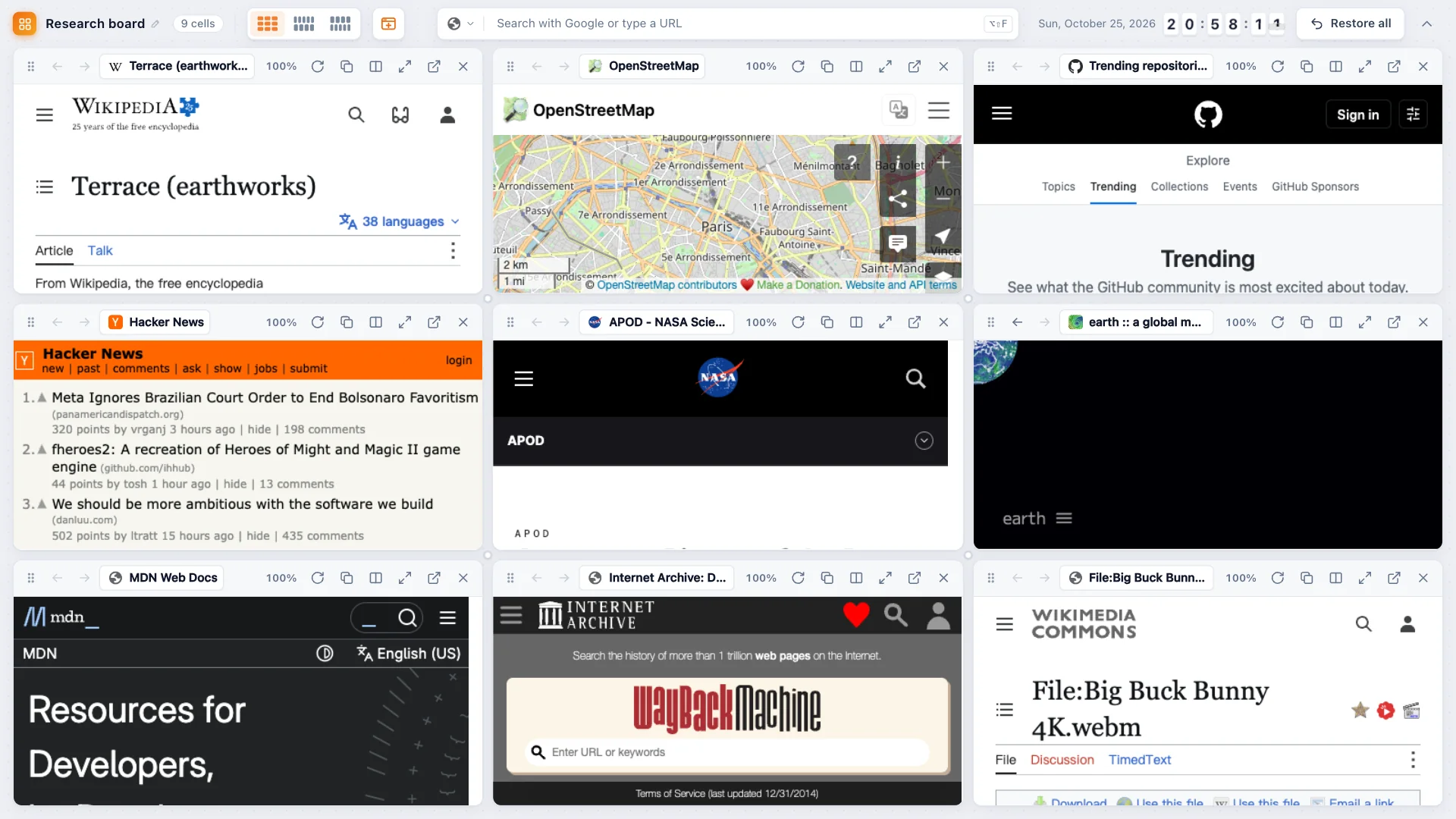
The layout buttons in the grid's toolbar show every arrangement for the number of cells you have — side by side, stacked, one big and several small, rows of different sizes and more. There are over 30 in total, from 1 to 9 cells. Click the current layout again to reset all sizes.
Resize
- Drag a divider to move the whole line.
- Hold Option / Alt while dragging to move only that segment.
- Drag where lines cross to resize in both directions.
- Double-click a divider to even out the sizes along it again.
Swap cells
Drag a cell by its handle onto another cell to swap their positions. Pages are never reloaded when you change layout, resize or swap — videos keep playing and anything you typed stays put.