
User guide
TV
Watch open film libraries, free-to-air channels or your own playlists right on the dashboard.
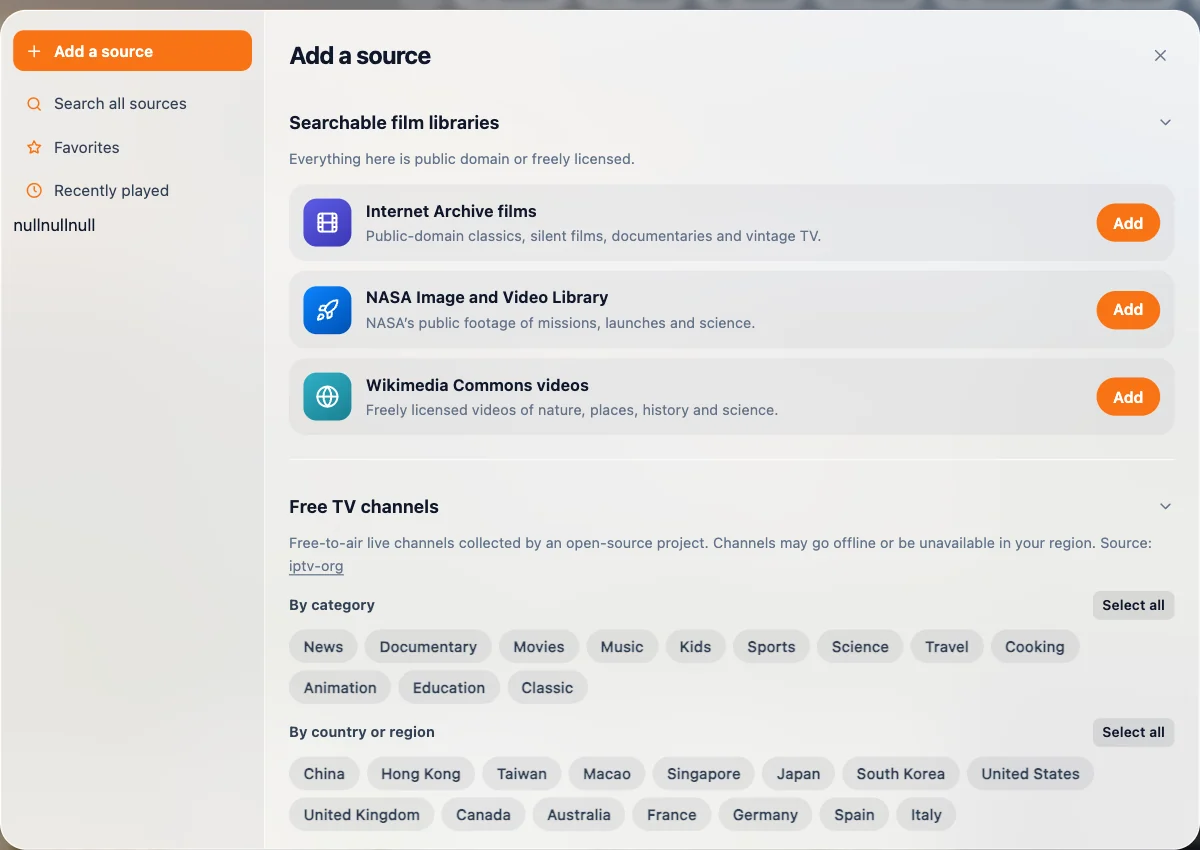
Open TV from the dashboard toolbar. TabTerrace ships with no content — you choose the sources:
- Open film libraries — Internet Archive, the NASA Image and Video Library and Wikimedia Commons: public-domain classics, missions, nature and history.
- Free TV channels — free-to-air live channels collected by open-source projects (such as iptv-org and Free-TV), grouped by category and country. Channels may go offline or be unavailable in your region.
- Your own playlist — paste an M3U / M3U8 URL or choose a file. Only https entries are imported.
- A video link — MP4, WebM and HLS (.m3u8). Or drop a video file onto the player.
Search across all your sources, add favorites, and pick up from Recently played. The player supports picture-in-picture and full screen.