
User guide
Notes
Quick notes with formatting and Markdown, pinned and searchable.
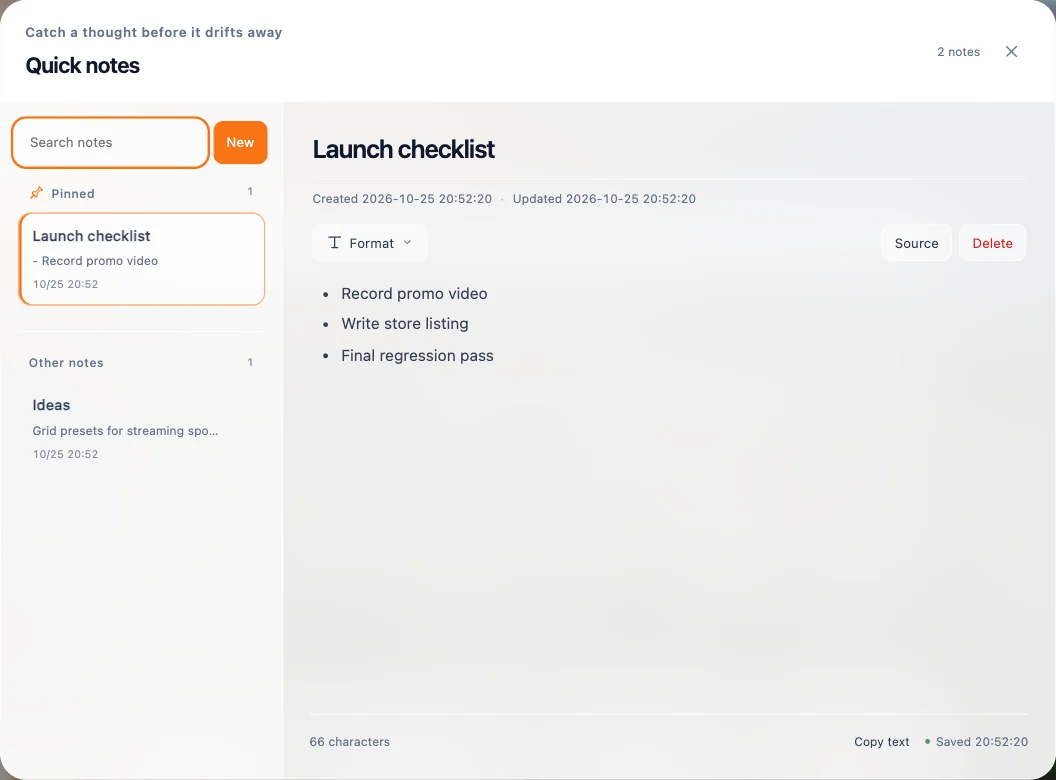
Open Notes from the dashboard toolbar and choose New.
- Write with formatting: headings, bold, italic, bulleted and numbered lists, quotes, code and links. Type
#for a heading or-for a list. - Use Format for the formatting toolbar. Switch to Source to edit the Markdown directly, and Formatted editing to switch back.
- Pin important notes to keep them at the top. Search all notes by keyword.
- Copy text copies a note's content in one click.
Notes save automatically on this device and are included in your backups.